
 Ryan Zhang's Blog


Multiplayer Networking Guide: Build a Virtual LAN with Friends Around the World Using N2N
Translation Notice
This article was originally written in Chinese and translated into English with the assistance of AI. The translation has been reviewed and edited for clarity, accuracy, and readability. Please refer to the original source where necessary, especially for technical terms, commands, configuration details, and proper nouns.
EasyN2N, also known as “Little Yellow Duck”, is a virtual-networking tool designed for multiplayer gaming. In theory, it supports any game with LAN multiplayer. According to Bugxia, successfully tested games include the CS series, Red Alert 2/3, StarCraft, Warcraft III, DOTA, ARK: Survival Evolved, Civilization VI, Stellaris, Meteor Butterfly Sword, Human: Fall Flat, Worms, Left 4 Dead 1 & 2, Minecraft, Torchlight II, and Age of Empires II.
Client Download
Server Installation Guide
Manual Installation
# Ubuntu, Debian, etc.apt-get install libzstd -ywget https://github.com/ntop/n2n/releases/download/3.0/n2n-3.0.0-1038.x86_64.rpmrpm -i n2n-3.0.0-1038.x86_64.rpmsupernode -p 9527 -a 192.168.255.0-192.168.255.0/24 -f
# CentOS, OpenEuler, Rocky Linux, etc.yum install libzstd -ywget https://github.com/ntop/n2n/releases/download/3.0/n2n-3.0.0-1038.x86_64.rpmrpm -i n2n-3.0.0-1038.x86_64.rpmsupernode -p 9527 -a 192.168.255.0-192.168.255.0/24 -fOne-Click Installation Script
I prepared a one-click installation script. Run the following command to complete the installation:
wget https://script.bytesycn.cn/p2p/n2n-install.sh && chmod +x n2n-server.sh && ./n2n-server.sh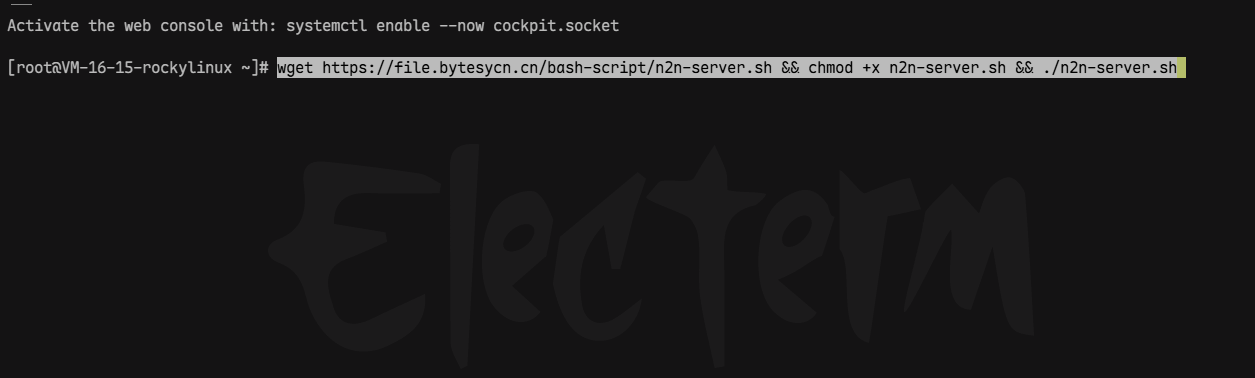
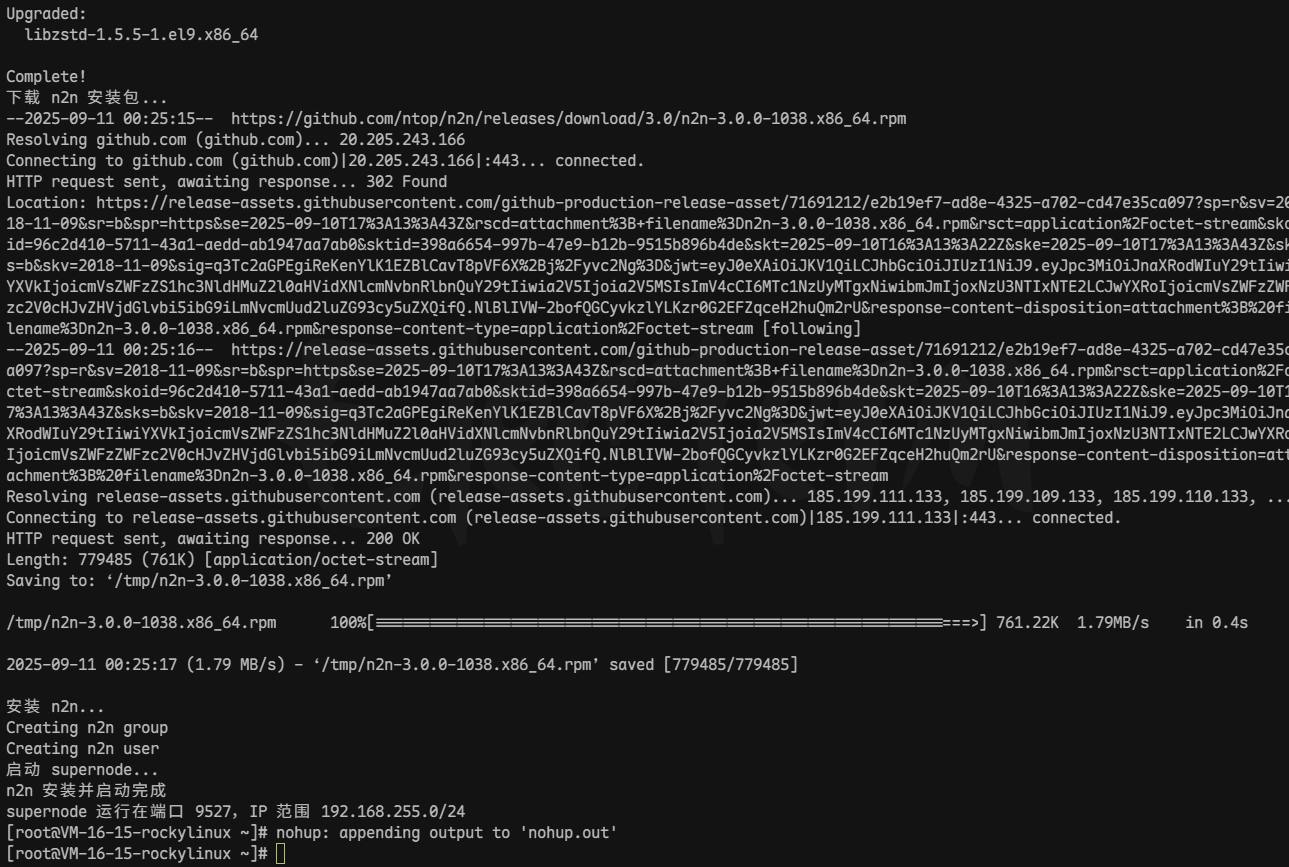
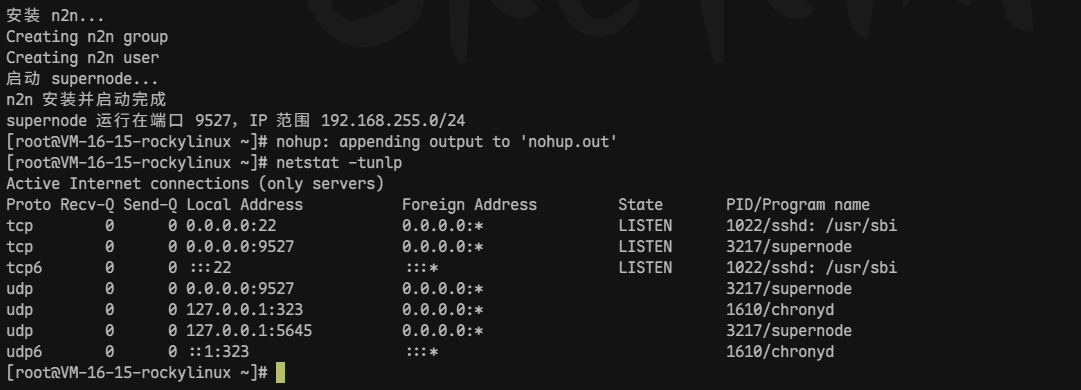
Verify the Installation
Use netstat -tunlp to check whether the program is listening on port 9527.
N2N Client Tutorial
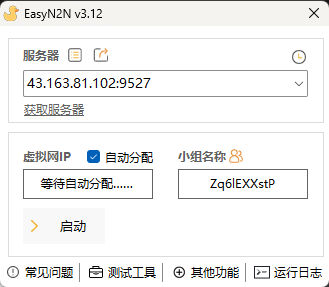
Open the software and enter the N2N server’s IP address and port. Because automatic IP assignment was configured above, the virtual-network IP can be left blank. You may also manually configure an IP in the same subnet if you understand basic computer networking. The group name only needs to match: think of it as a room number—different numbers lead to different rooms.
- Open EasyN2N.
- Enter the N2N server IP address and port (for example: 43.163.81.102<9527>).
- Leave the virtual-network IP blank because automatic assignment is enabled, or set an IP in the same subnet manually.
- Set the same group name on every client; this is the virtual room number.
- Click the
Startbutton.
The connection is established when the server status shows a green check mark and a virtual IP is assigned.
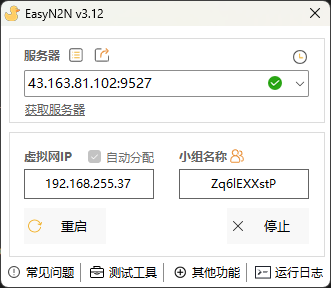
Once connected, you can start playing together.
Notes
- If you use a cloud server, disable the system firewall (iptables/firewalld) and open the N2N port in the provider’s security group (the automation script uses 9527/TCP).
- Make sure every client uses the same group name.
- Choose a server in a geographically central location for the best network performance; otherwise latency may be high.
Support & Share
If this article helped you, please share or support!