
 Ryan Zhang's Blog


Goodbye to Cable Chaos: I Built a Cable-Label Formatting Tool

Translation Notice
This article was originally written in Chinese and translated into English with the assistance of AI. The translation has been reviewed and edited for clarity, accuracy, and readability. Please refer to the original source where necessary, especially for technical terms, commands, configuration details, and proper nouns.
As a “do a bit of everything” engineer, I started my career in network engineering. Although my current work focuses mainly on cybersecurity, my company still sends me to server rooms and data centers (DCs, which sounds much more impressive) for deployments, so I have seen quite a few of them.
When a new data center is first completed, it is almost perfect: cables are tidy, the layout is standardized, and the leader is pleased during inspections. As an organization grows, however, new equipment is inevitably added. Different contractors often handle these deployments, which easily leads to inconsistent standards.
Take the most basic cable labels. Some contractors skip them for convenience: if the cable connects and the network works, they leave. It may be easy for the installer, but creates a huge problem for maintenance staff. At best, they write something vague such as “out-of-band management.” In a data center with dozens or hundreds of devices, which device does that cable actually manage?
That is why I believe a standardized labeling format is essential. Every cable-related operation must include proper labeling. It is both responsibility to yourself and respect for others. My advice: do not be a jerk.
But another practical problem remains: a cable has two ends, so how can we quickly and efficiently generate consistently formatted labels? In today’s efficiency-driven environment, technical ability matters, but improving efficiency often helps you stand out among people with similar skills.
To solve the efficiency and consistency problems of cable labeling, I developed a small script in my spare time. Given its size, calling it a “tool” may be generous. It started as a command-line script, but when a former classmate asked to use it, I realized that deploying and running a CLI tool each time was inconvenient. So I had AI help me build a frontend—frontend work is rather painful for me—and deployed it as a web application. If you prefer local deployment, the complete source code is available on GitHub.
Tool Overview: Cable-Label Tool
This is a simple cable-label formatting tool that generates standardized labels quickly from uploaded Excel data.

Online Use
Link: Cable-Label Formatting Tool - bytesycn
Access note: the online service is currently limited to IP addresses in China, including Hong Kong, Macao, and Taiwan. For security reasons, overseas IP addresses will be blocked by Tencent EdgeOne.
Output Example
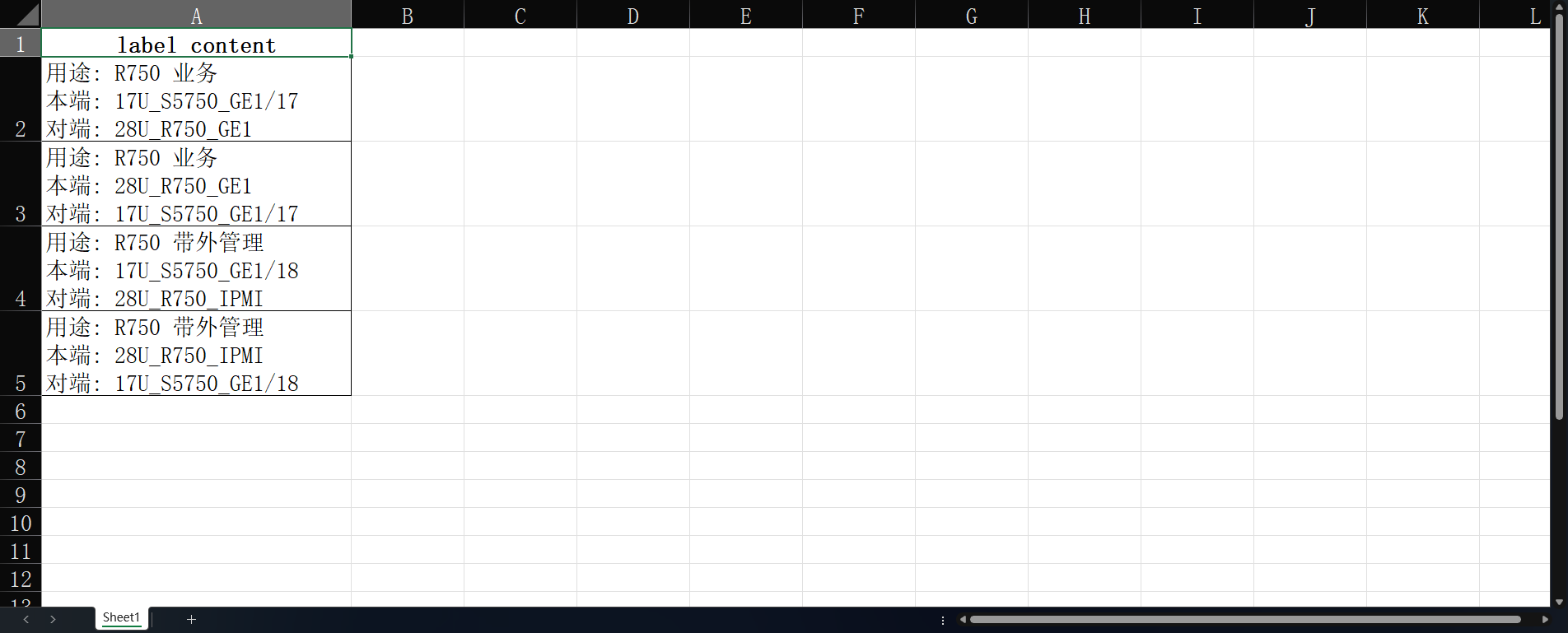
Local Deployment
To deploy and use it locally, visit the project’s GitHub repository for the source code.
git clone https://github.com/hz157/cable-label.git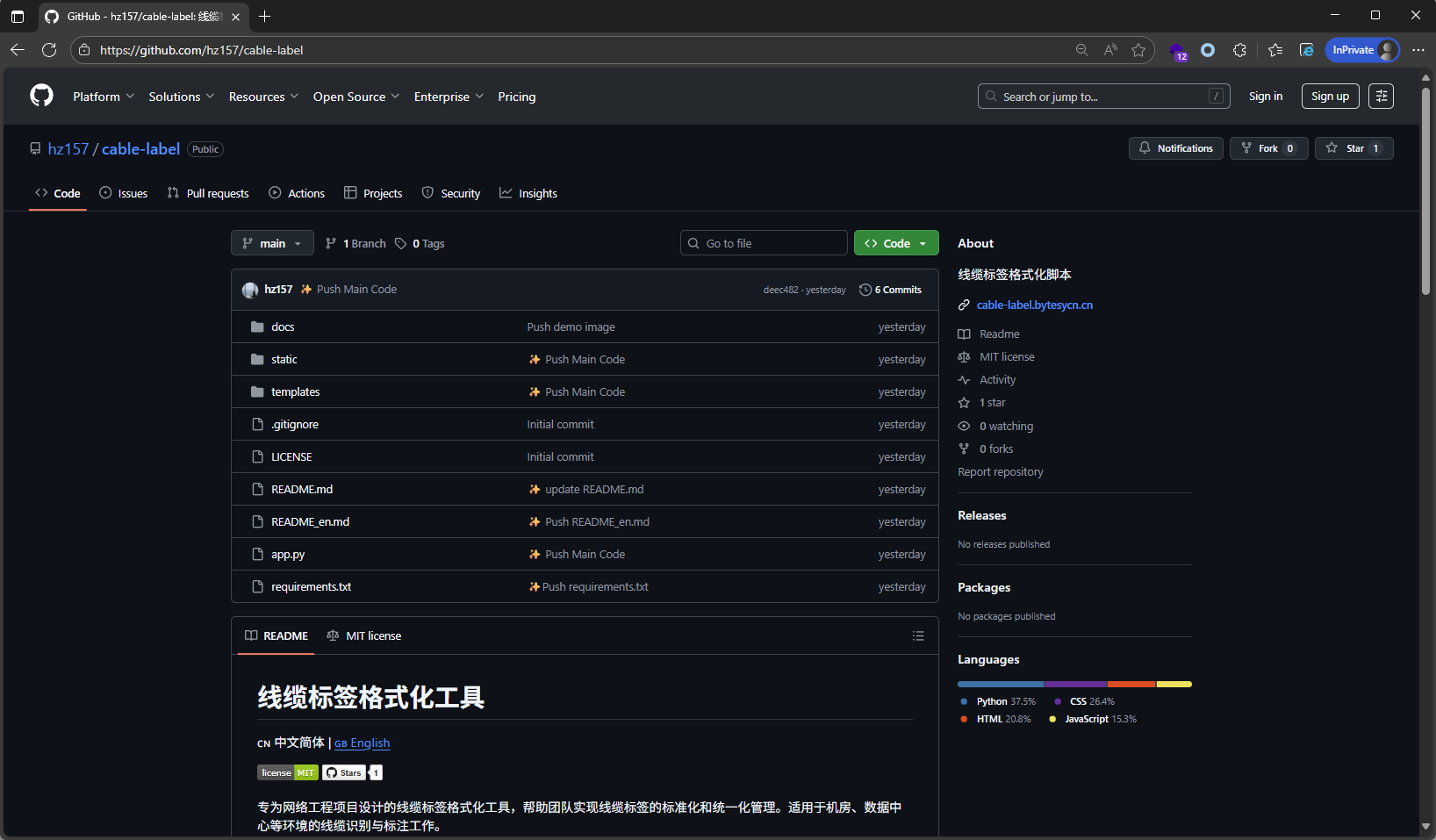
Instructions
- Download the template: Obtain the standard Excel template.
- Enter data: Fill in the devices at both ends of each cable and the cable’s purpose.
- Upload the file: Upload the completed Excel file on the tool page.
- Choose a style: Select one of the nine preset label styles.
I hope this tool helps more engineers who struggle with cable chaos and makes our data centers tidier and more standardized!
Support & Share
If this article helped you, please share or support!